

Start with the problem
You’re building a product and the team debates OS choices like it’s a tech religion. That wastes time. Nail down what problem the TV actually solves for users — streaming, embedded signage, gaming, or a closed enterprise app — and list the constraints (budget, update window, hardware). Don’t forget supply-chain realities: early talks with a monitor manufacturer can show whether the panel and connector choices will force or free certain OS options.
Define non-negotiable specs first
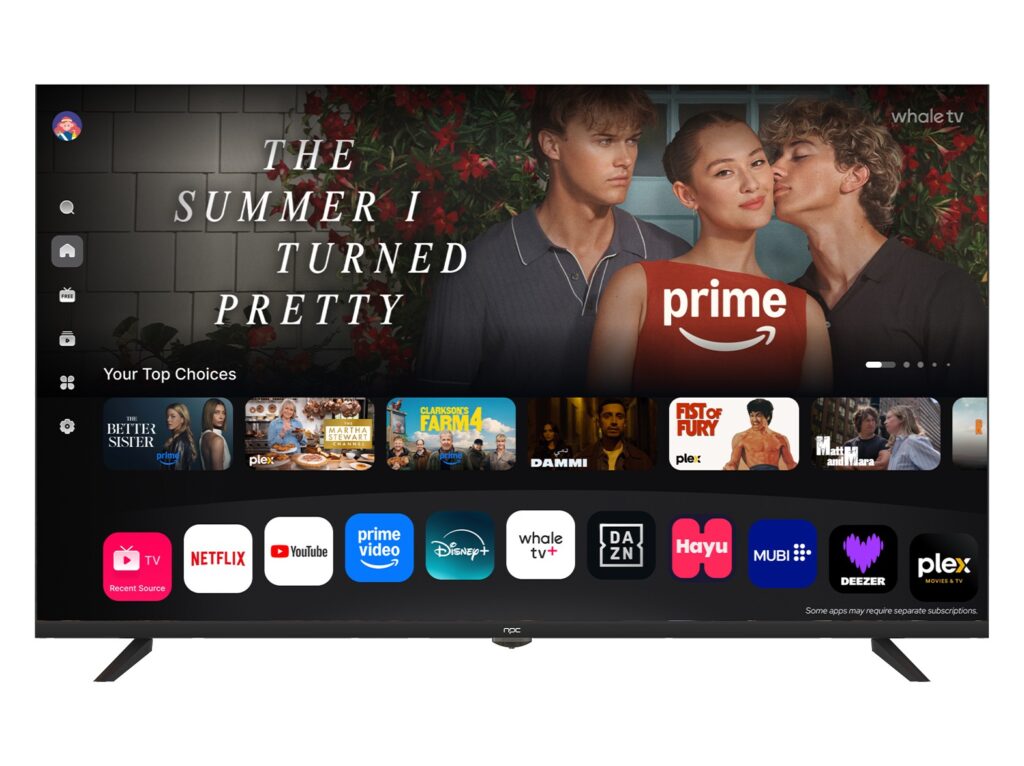
Pick the hard requirements before names. You need to decide on SoC families, DRM level (Widevine L1 vs L3), app store access, boot time budget, remote/voice input support, and OTA strategy. These specs rule out some OS choices immediately. For example, if you need Google Play and Widevine L1, plain AOSP without Google licensing is off the table.
Experience check and a real-world anchor
I’ve advised teams that sourced displays from Shenzhen, a major LCD manufacturing hub, where panel availability and lead times directly changed firmware choices; working with lcd monitor manufacturers taught me to map OS needs to physical panel features early. From that work I learned to push test images on candidate SoCs, validate remote stack behavior, and confirm DRM certification paths before signing contracts.
Compare practical OS options — short list, no fluff
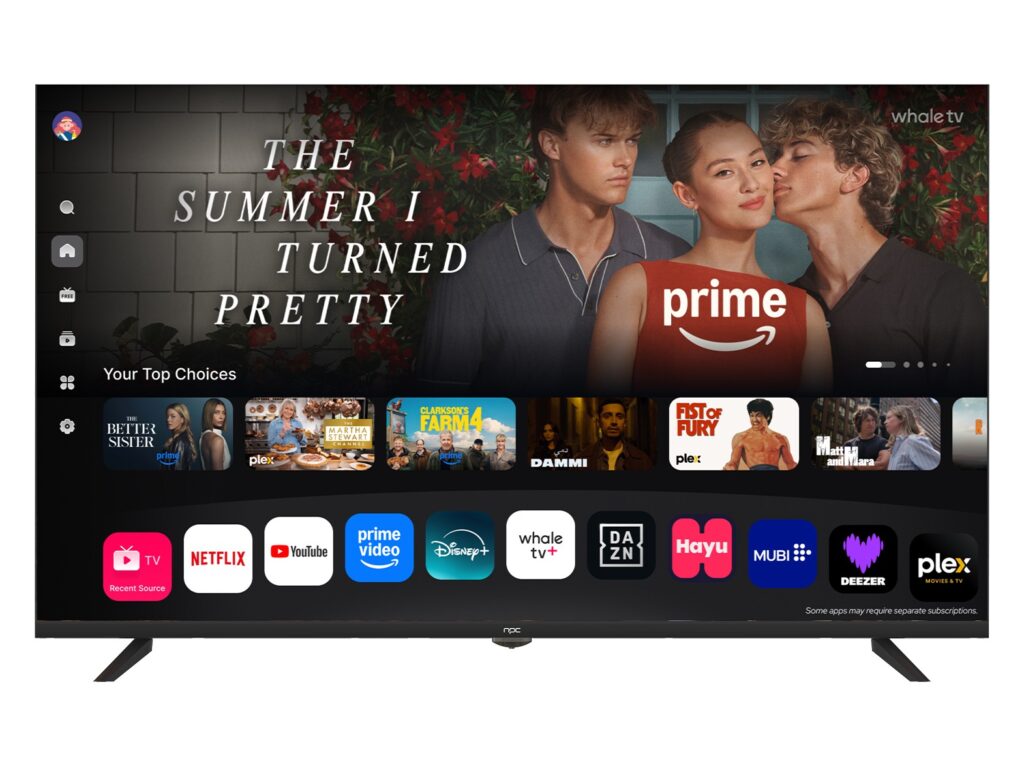
Android TV / Google TV: Strong app ecosystem, standard DRM and Play Store access, but licensing and Google CTS compliance add cost and timelines. Use it if consumer apps matter and you can handle certification.
AOSP or Custom Linux: Full control, lighter footprint, cheaper licensing. Downsides: you build or buy the entire app ecosystem and a custom update system; expect more engineering time.
Roku TV: Simple app model and quick time-to-market for consumer devices, but limited customization and tighter platform rules.
Tizen / webOS: Good for appliance-style products with integrated vendors; expect vendor-specific toolchains and support tradeoffs. Choose when the OEM relationship handles platform maintenance.
Common mistakes that break projects
Underestimating update plumbing — not planning secure, rollback-capable OTA kills long-term maintenance. Ignoring remote UX until late leads to clumsy navigation. Picking an SoC because it’s cheap without checking Linux/driver maturity creates huge delays. Assuming DRM or app-store access will magically appear after launch is plain wrong; those need lead time and paperwork.
How to decide, step-by-step
Start by ranking must-haves vs nice-to-haves. Prototype on two OS paths: one conservative (low risk) and one ambitious. Run short, focused tests for boot time, app install flow, DRM playback, and panel color/refresh compatibility. Use those results to quantify risk and predict time-to-certification rather than argue preferences.
Wrap-up that actually helps
Don’t pick an OS by brand alone. Match your user problem to the minimum technical requirements, validate those against real hardware and supply partners, then choose the OS that meets the constraints with the least hidden work. For teams that need a partner handling display sourcing and integration while you focus on software, working with npc often aligns the hardware choices with the chosen OS so the project actually ships on schedule.
