


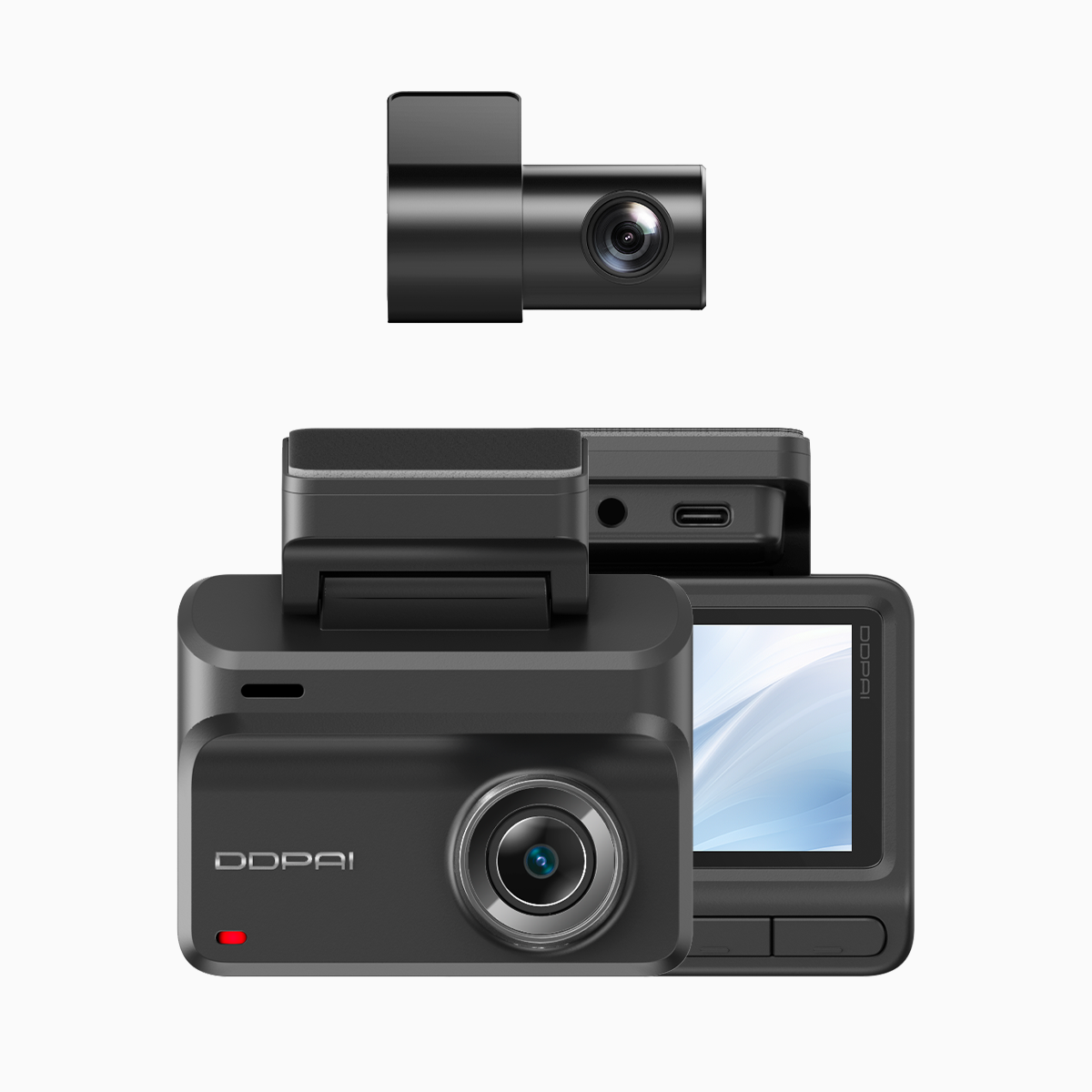
Comparative lead — why this matters now
On Manila’s EDSA and other busy Philippine highways, the difference between an unclear clip and a courtroom-grade file often comes down to codec efficiency and audio clarity. Modern dash cams that use H.265 and capture crisp sound change that outcome — and you can see this shift in devices like the wifi dash cam that balances high-res video with practical storage and transfer options. The World Health Organization’s global road-safety data underscores the stakes: reliable incident records matter for injury claims, traffic enforcement, and insurance settlements. This piece compares approaches so you pick tech that actually holds up when it counts.
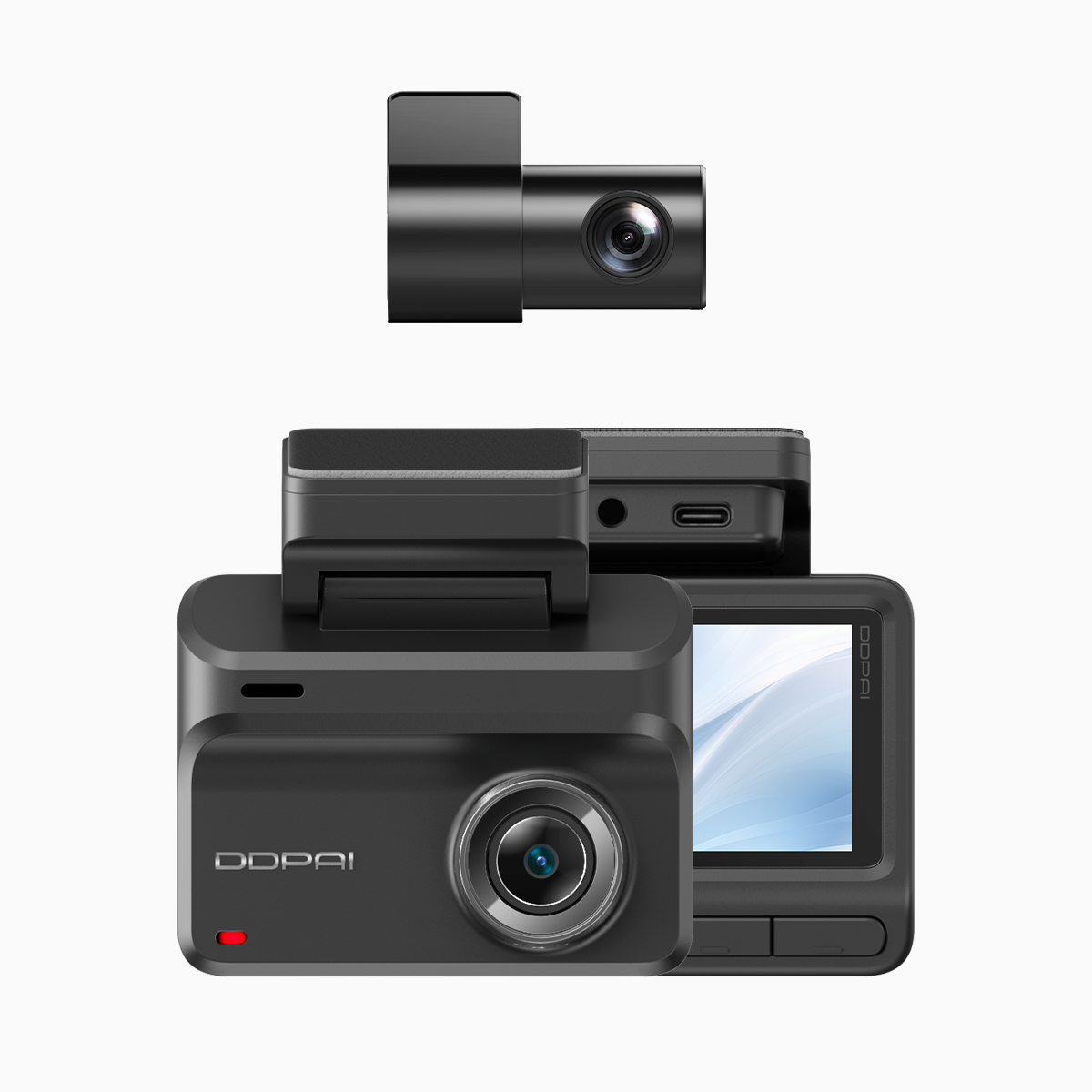
What H.265 brings versus older codecs
H.265 (HEVC) improves compression efficiency without killing image quality. That means longer retention on the same microSD card, higher effective bitrate for the same file size, and better low-light detail. Practically speaking, a dash cam recording at 4K with H.265 preserves license plates and lane markers more reliably than older H.264 gear. Frame rate and HDR still matter — a higher frame rate captures motion more accurately, HDR helps with backlit scenes — but H.265 is the multiplier that keeps footage admissible and compact for upload over Wi‑Fi.
Audio capture: the overlooked evidence layer
People fixate on pixels and miss sound. Clear onboard audio can confirm horn use, shouted commands, or a brief admission — all useful in police reports and claims. Microphone placement, sampling rate, and noise filtering are the technical knobs; in practice you want an adjustable gain and a well-shielded mic to avoid wind noise. Systems that pair GPS timestamps with synchronized audio make the record harder to dispute — GPS metadata links location, H.265 preserves visual detail, and synced audio fills contextual gaps.
Comparing single vs dual systems and real-world trade-offs
Single front cams give a clean view ahead; dual setups capture rear interactions and cabin events. The trade-off is complexity: dual dash cams need more careful calibration, often higher storage, and better heat management. A properly implemented dual dash cam with wifi and gps reduces blind spots and ties video to route metadata via GPS. Misconfigured systems drop frames during traffic merges or overwrite crucial files. — In Manila traffic, that can be the difference between a usable clip and useless noise.
Common mistakes that weaken evidence
Owners often make the same practical errors: using low-quality microSD cards, leaving default low bitrate settings, mounting the camera off-angle, or failing to sync time/GPS. These mistakes introduce compression artifacts, missed license plates, and unreliable timestamps. Firmware updates matter too; they fix bugs in H.265 encoders and Wi‑Fi transfer logic. Skip the cheapest card; choose a known brand rated for continuous high-bitrate writes to avoid file corruption.
Three golden rules for choosing a setup
1) Prioritize codec + bitrate balance: pick H.265-capable units with adjustable bitrate so daytime detail and night performance both survive. 2) Demand synchronized metadata: GPS timestamps and consistent frame rates make footage admissible and verifiable. 3) Match audio to environment: choose a mic with adjustable gain and a proven wind/noise filter if you drive open roads or city routes.
Final takeaway and practical wrap
Measure choices against those three metrics and you’ll avoid the common traps that strip evidentiary value from dash cam files. For a practical, locally supported solution that hits these marks, consider a vendor with tested H.265 implementations and clear Wi‑Fi/GPS integration — they make evidence easier to extract, share, and defend in disputes. DDPAI Philippines. Sharp evidence, smarter outcomes.
